MoonTide logo MoonTide

How It Works

Follow these simple steps to start tracking lunar cycles and tidal patterns with precision.

1

Get Started

Open MoonTide and enter your ZIP code to find the nearest NOAA tide station.
Welcome screen
1
Launch the app and see the clean, intuitive welcome screen.
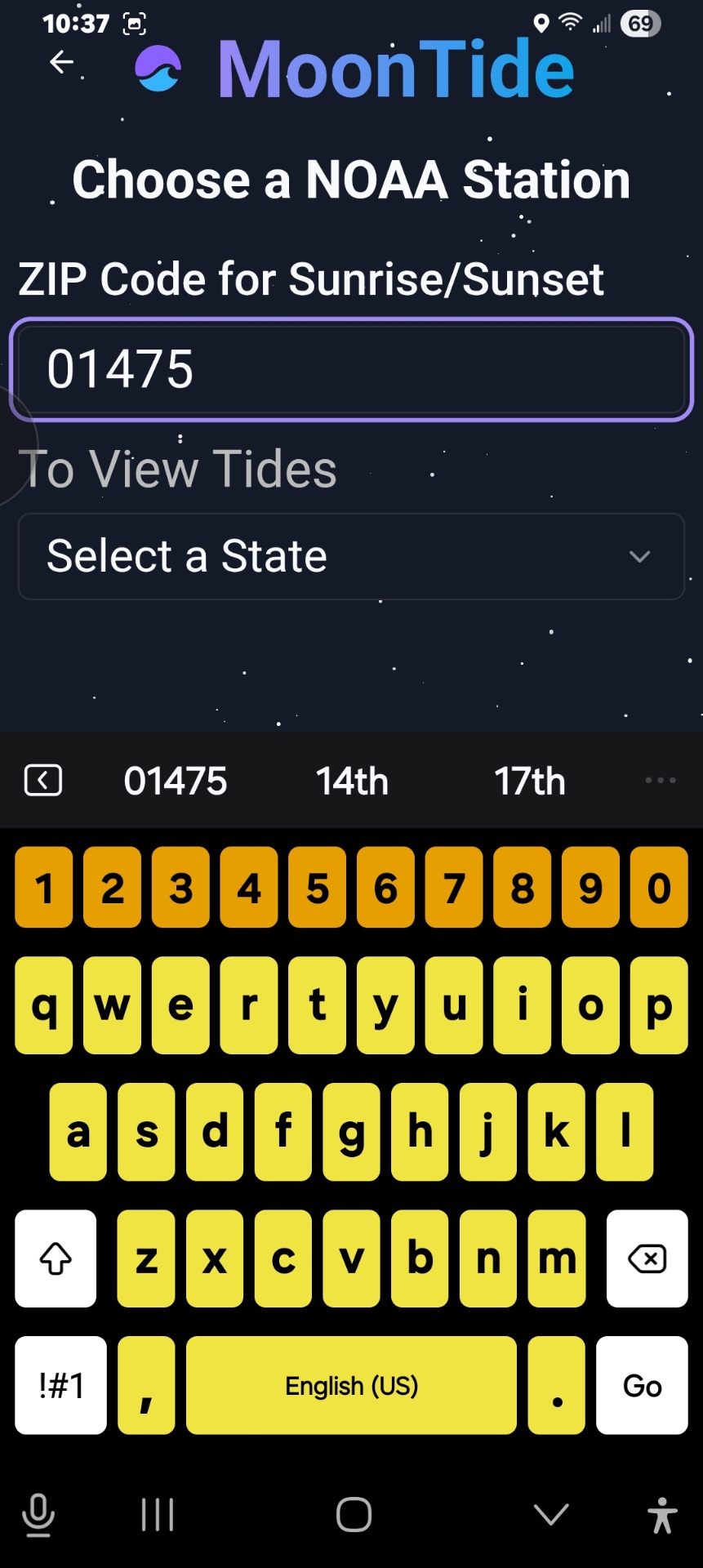
ZIP entry
2
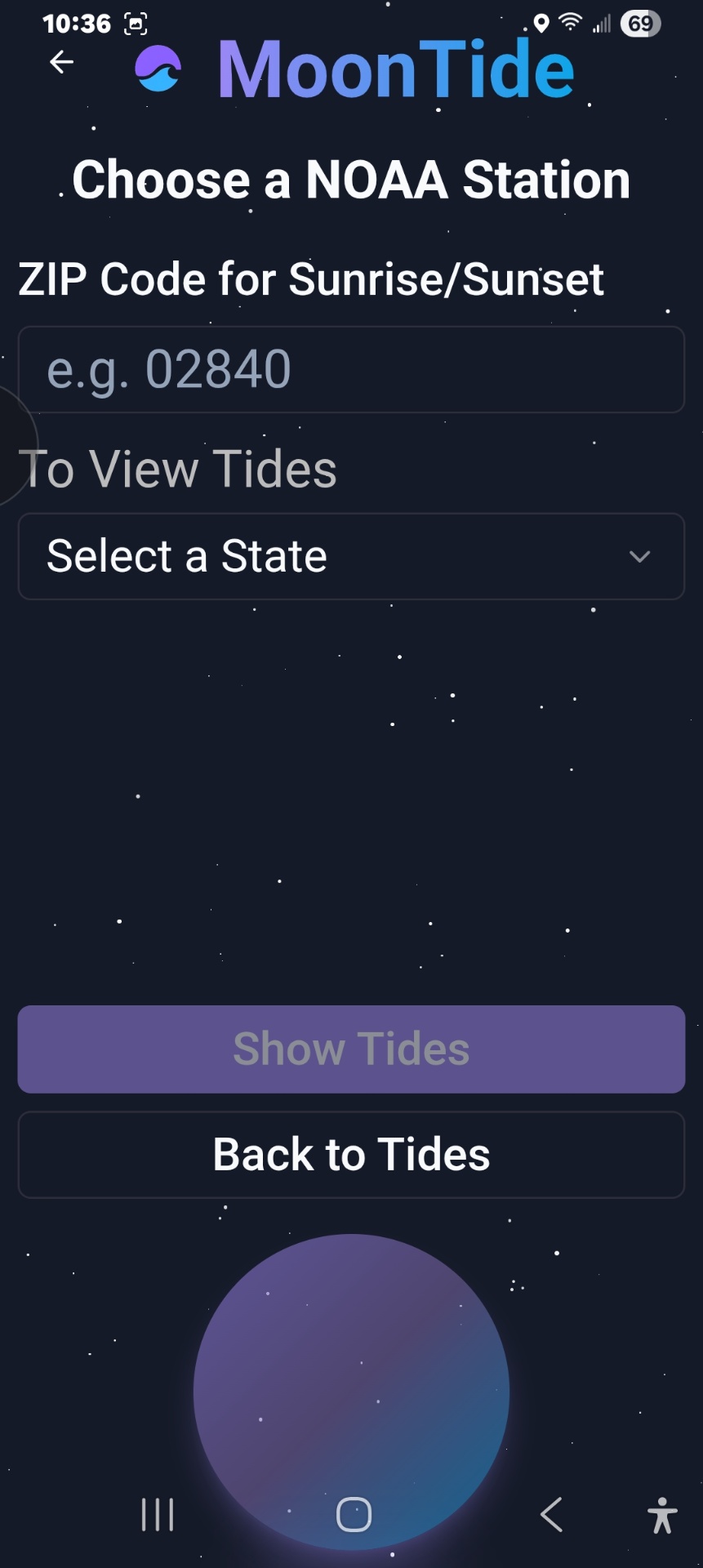
Enter your ZIP code for local sunrise/sunset times.
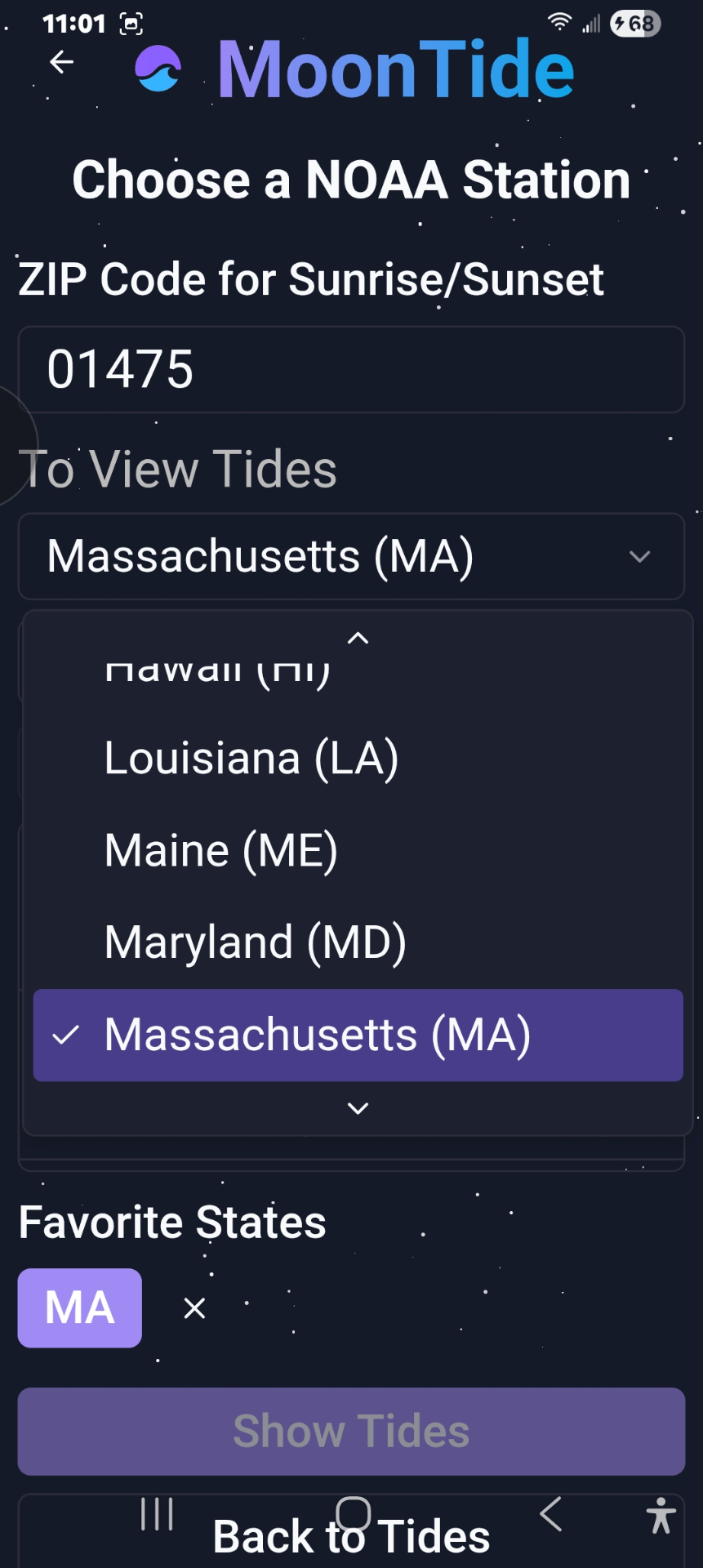
State list
3
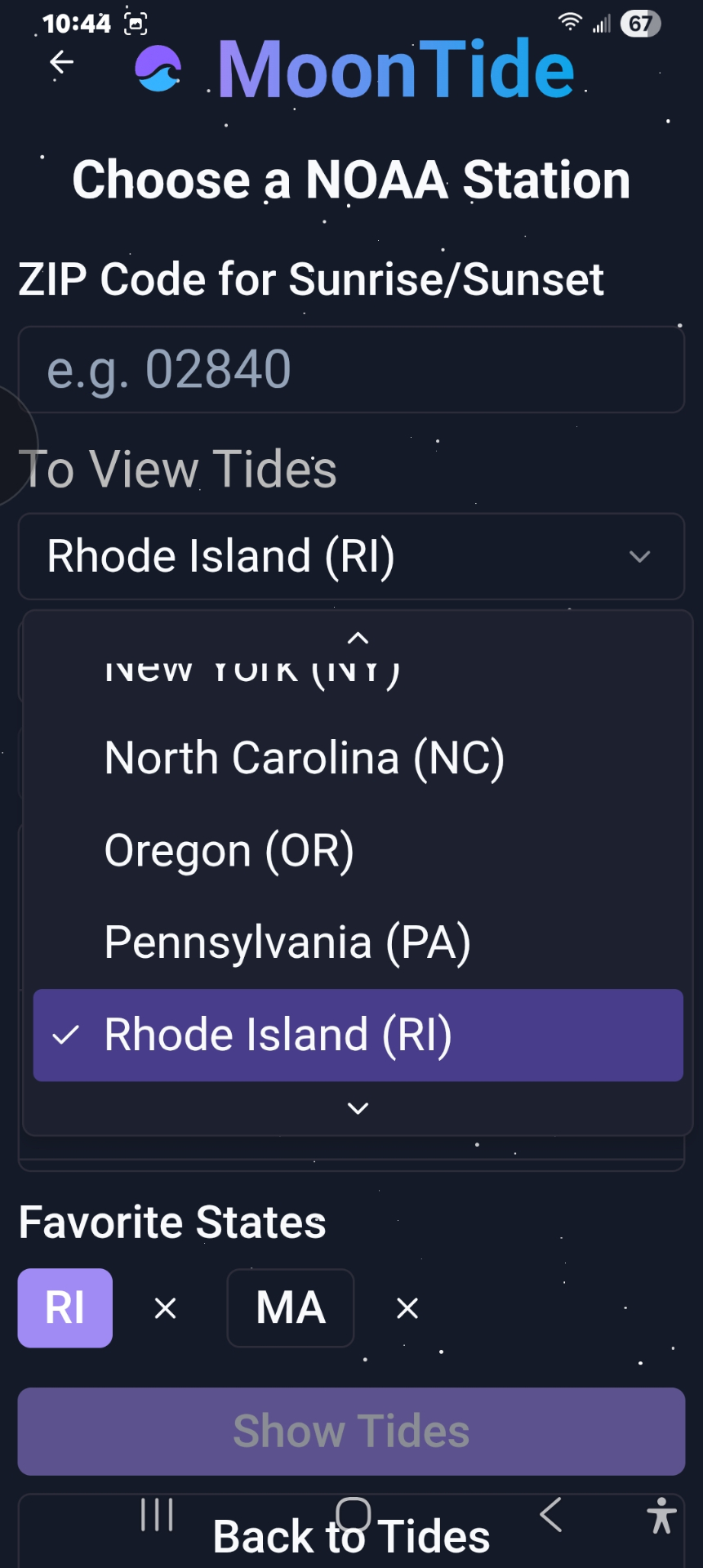
Select a state to list NOAA stations in that area.
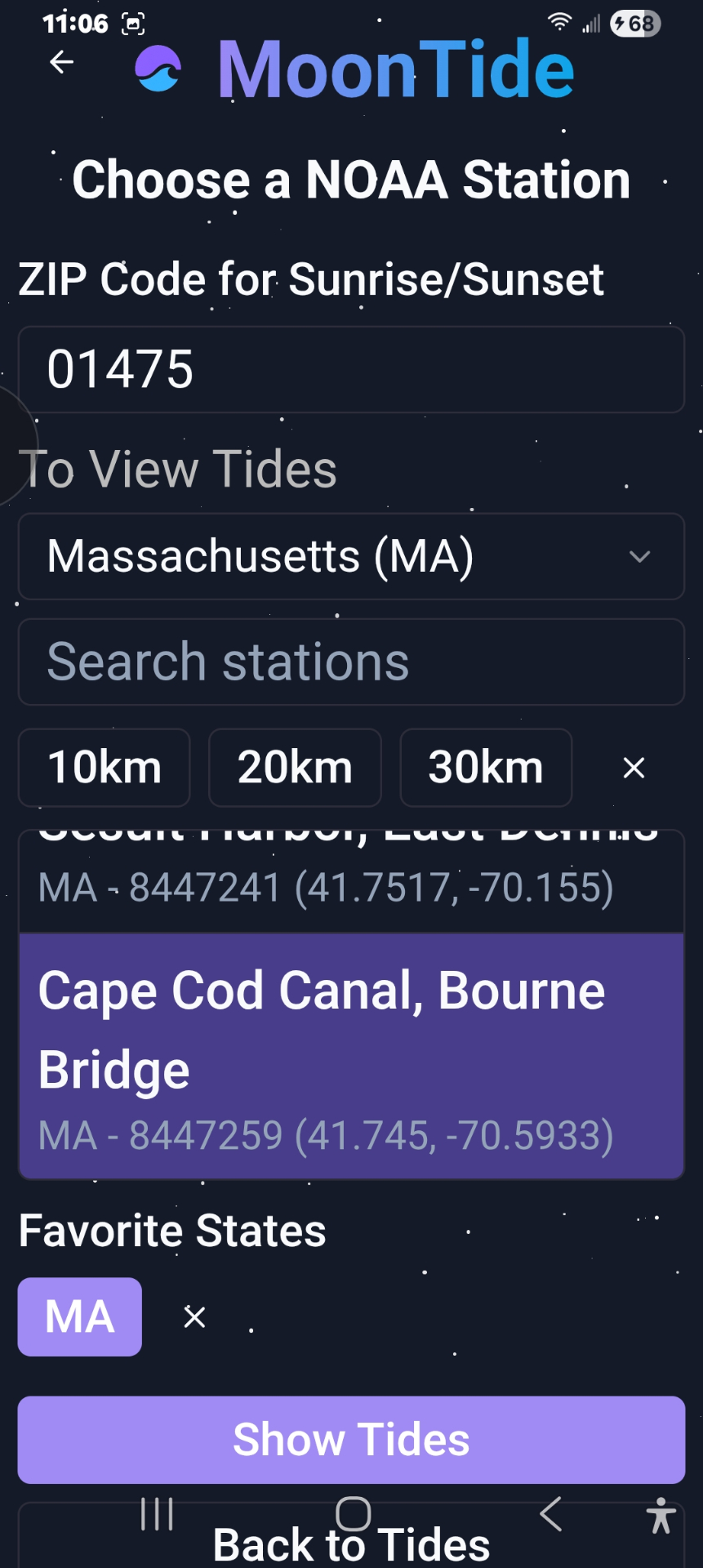
Station scroll
4
Scroll and find your station to see tide info.
Show tides
5
Tap Show Tides to load data.
Dashboard loaded
6
Instantly access your personalized tide & moon dashboard.
2

View Your Dashboard

Instantly see current moon phase, tide charts, and solar timing for your location.

Moon phase
1
Real-time moon phase with vivid visuals.
Solar data
2
Solar data for sunrise & sunset times.
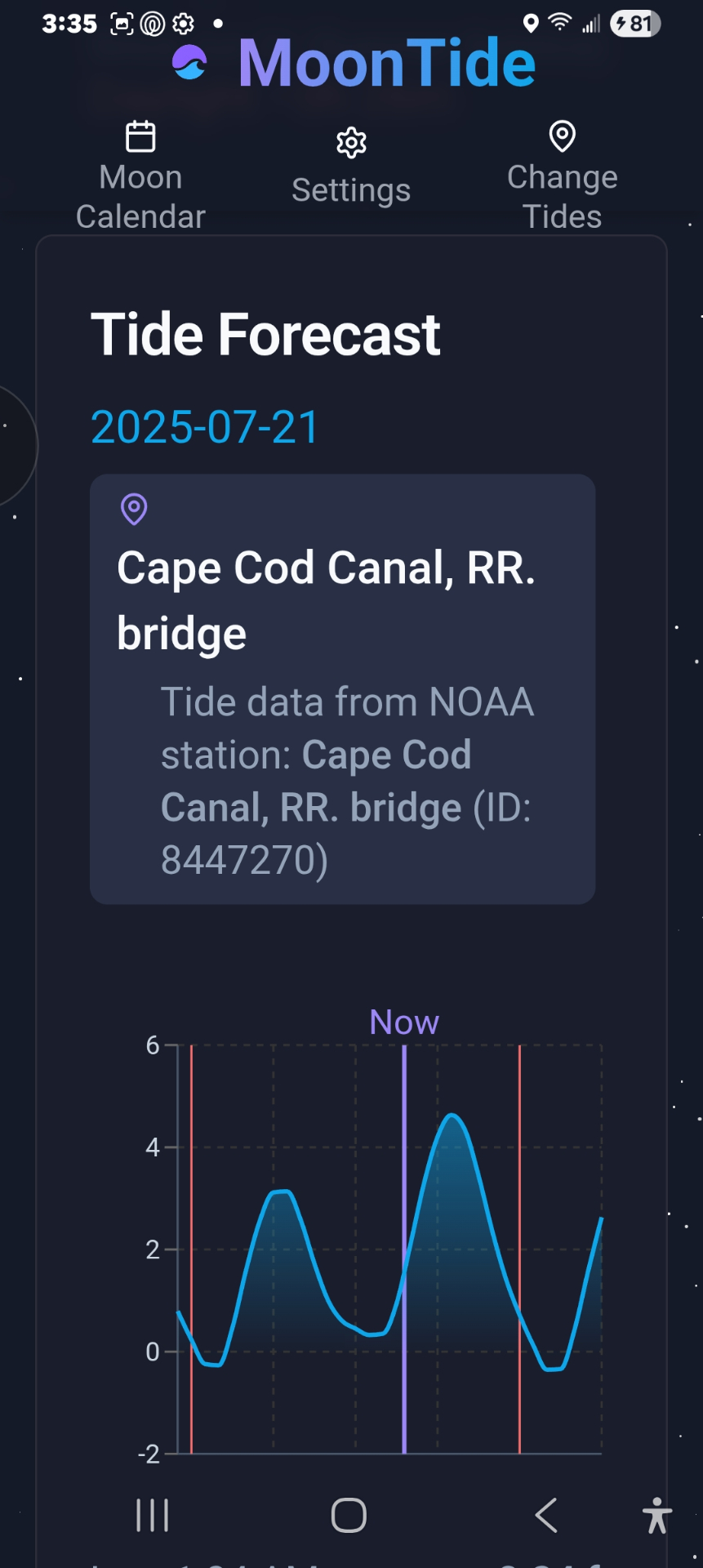
Tide chart predictions
3
See precise tide-height predictions.
Scrollable chart
4
Scroll the chart for hour-by-hour detail.
7-day forecast
5
Full 7-day tide & moon forecast.
3

Explore the Lunar Calendar

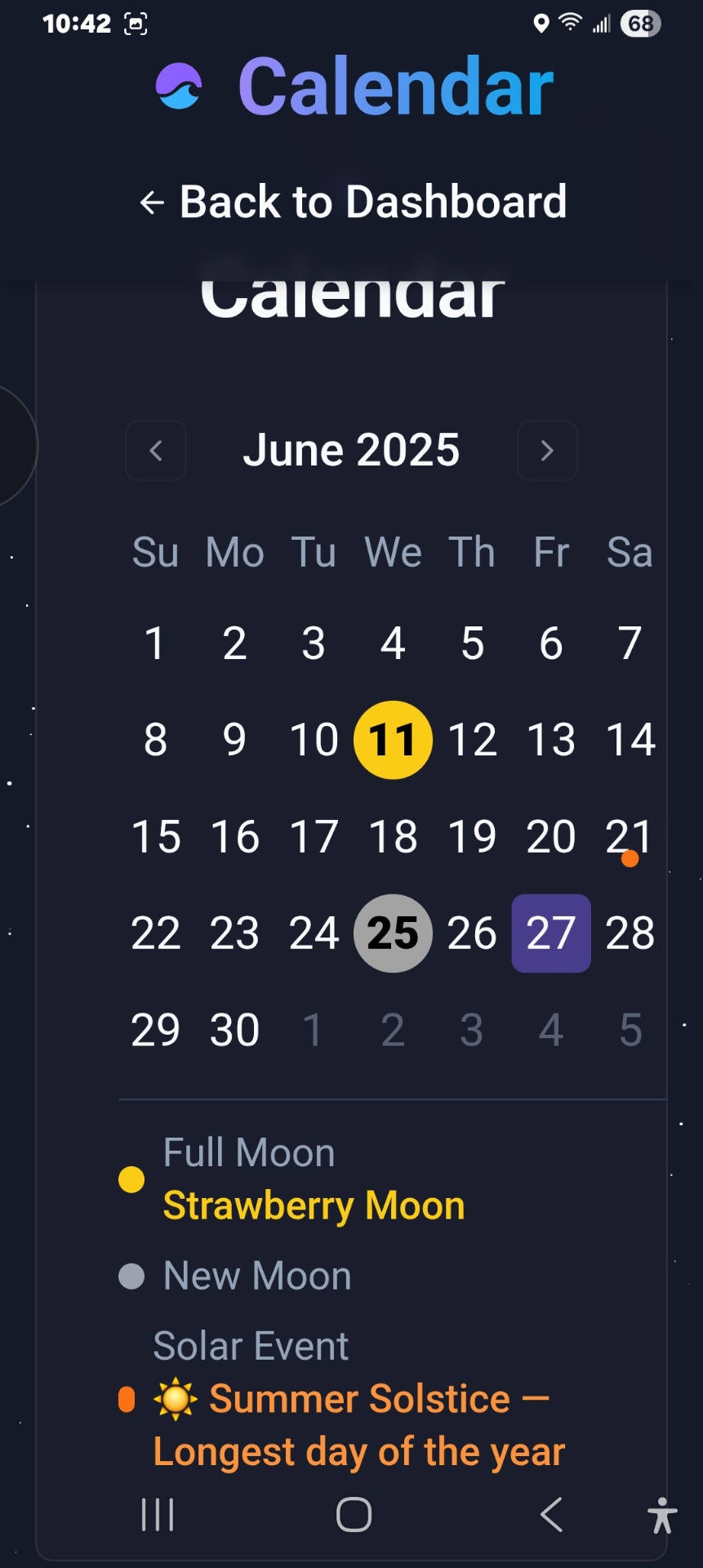
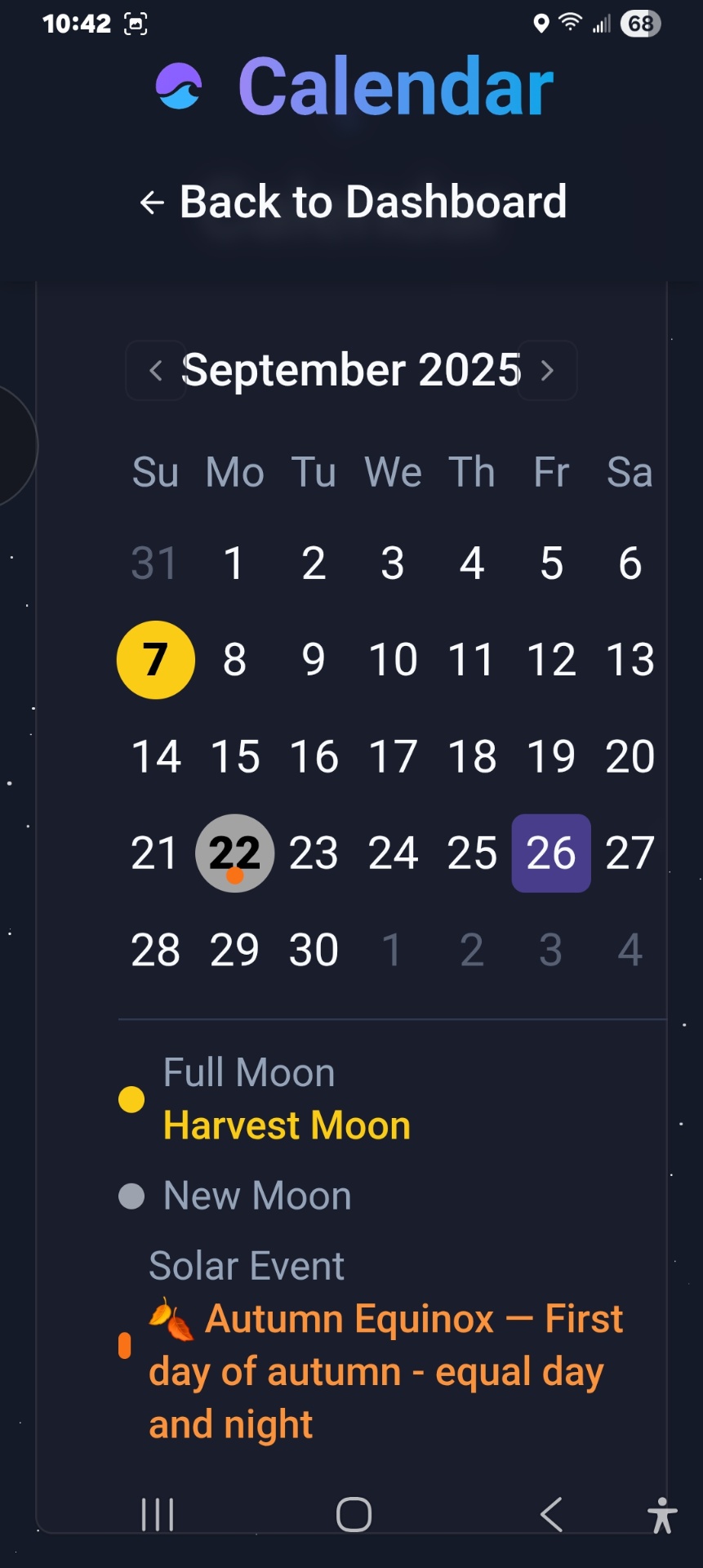
Browse months to see special full-moon names and seasonal solar events.
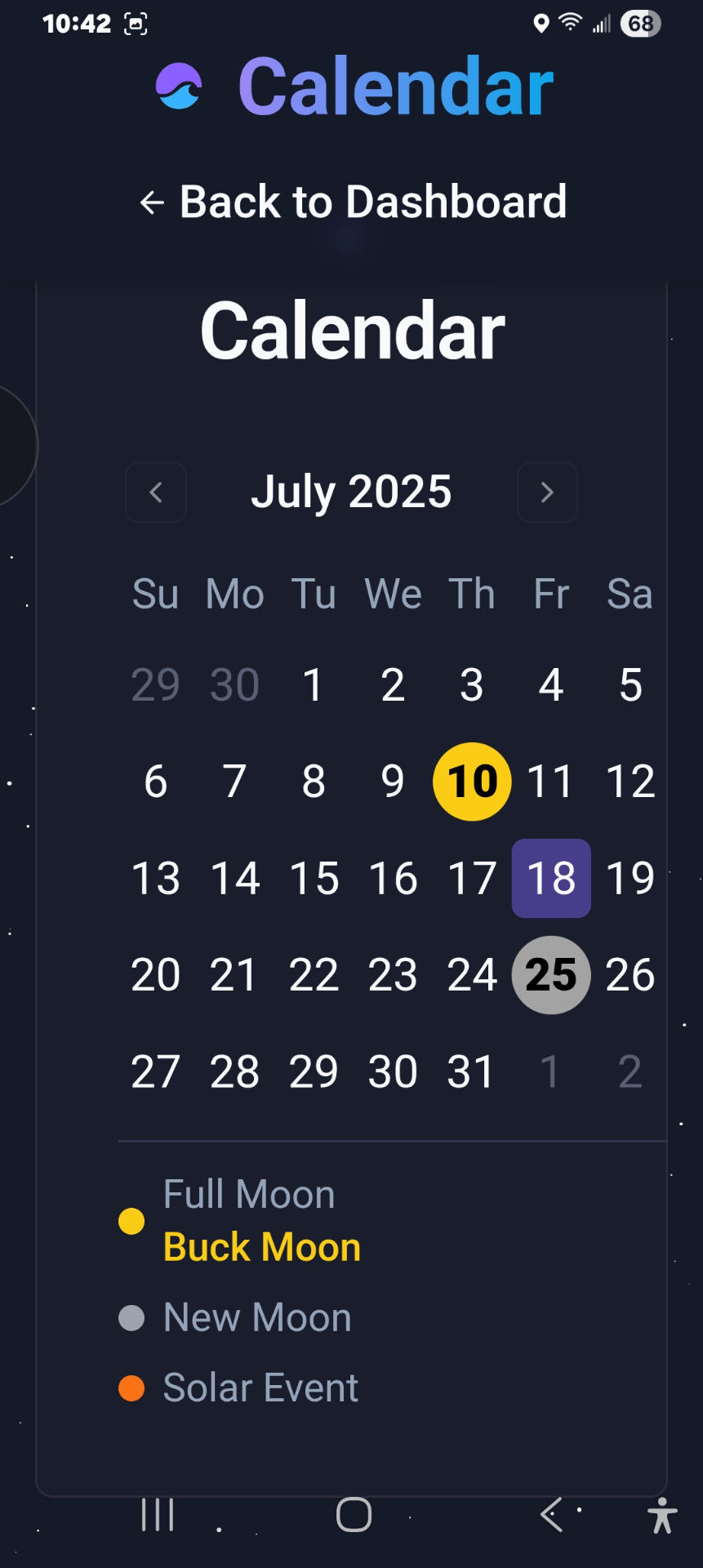
Calendar month
1
Navigate months to explore lunar cycles.
Solstice tracking
2
See solstice & equinox tracking.
Seasonal events
3
Monitor seasonal solar transitions.
4

Switch Locations Easily

Change tide stations by state, distance radius, or quick search.
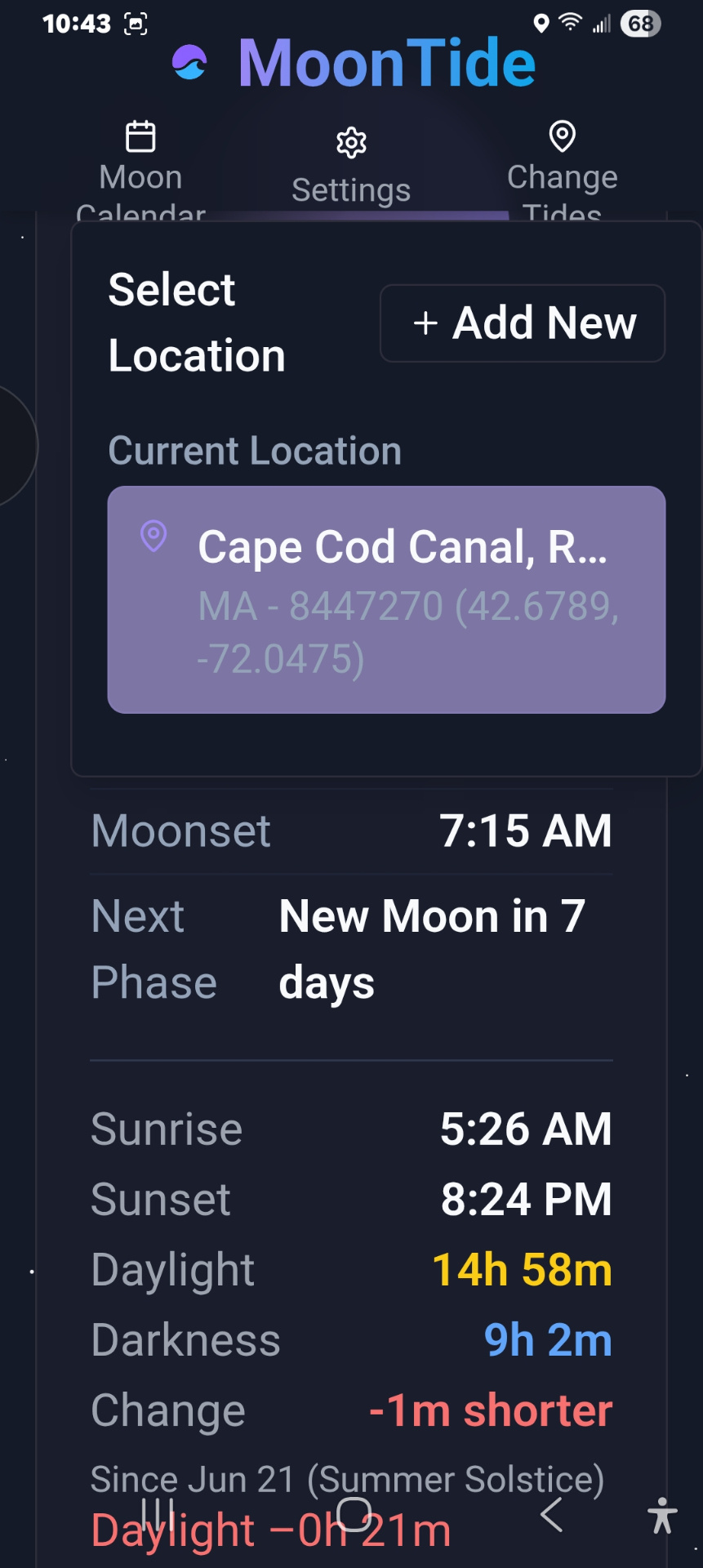
Add station
1
Tap Add New to pick another station.
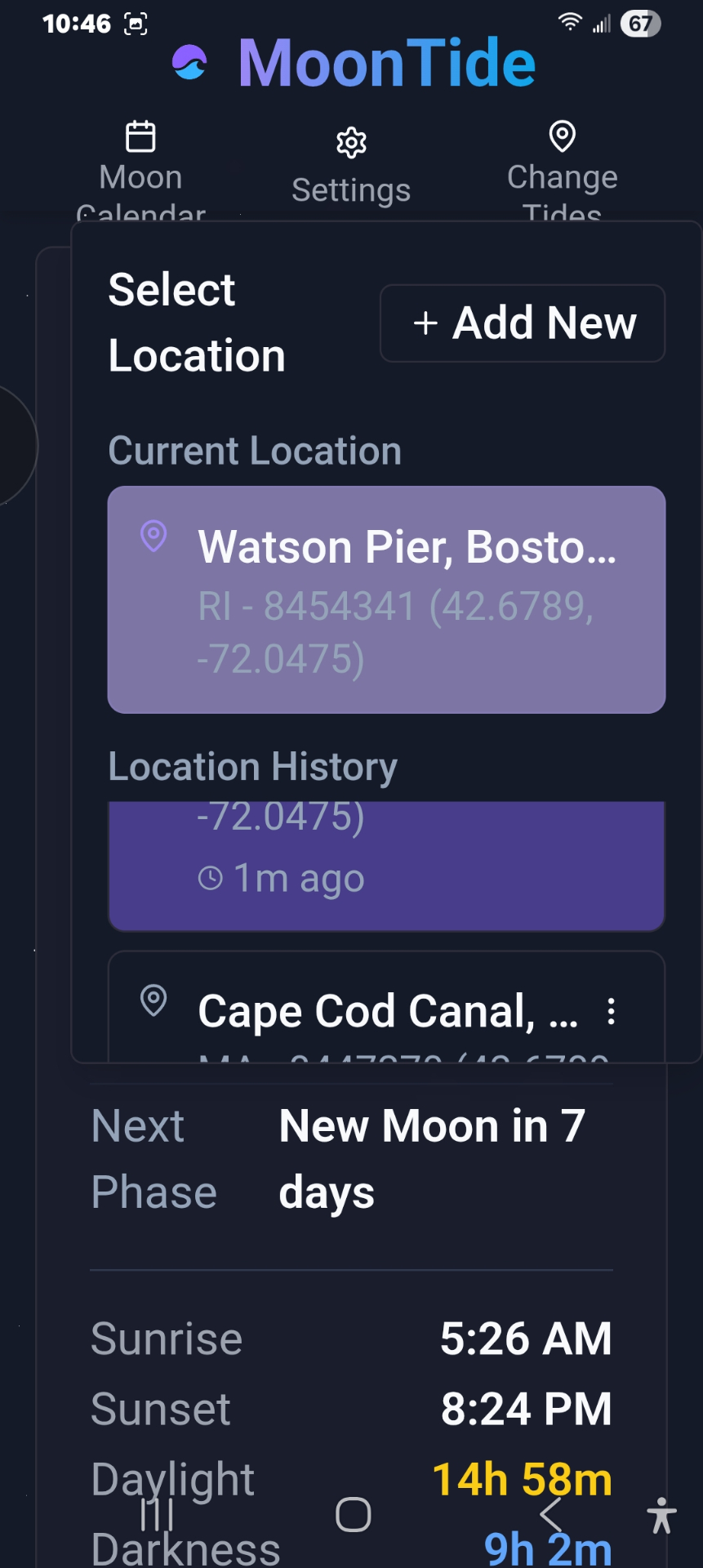
Location history
2
Quickly access location history.
State shortcut
3
Use state shortcuts to jump ahead.
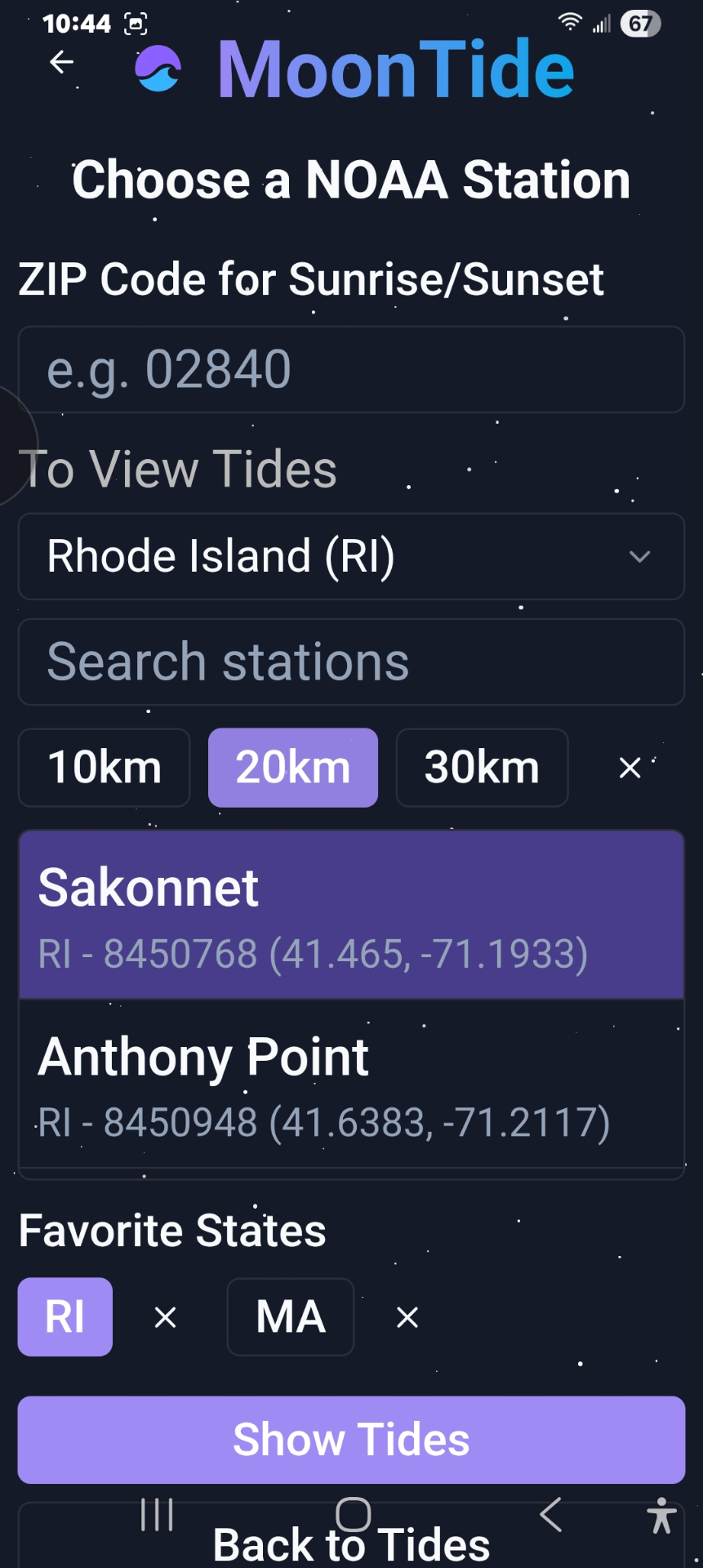
Radius search
4
Search by distance radius for nearby stations.
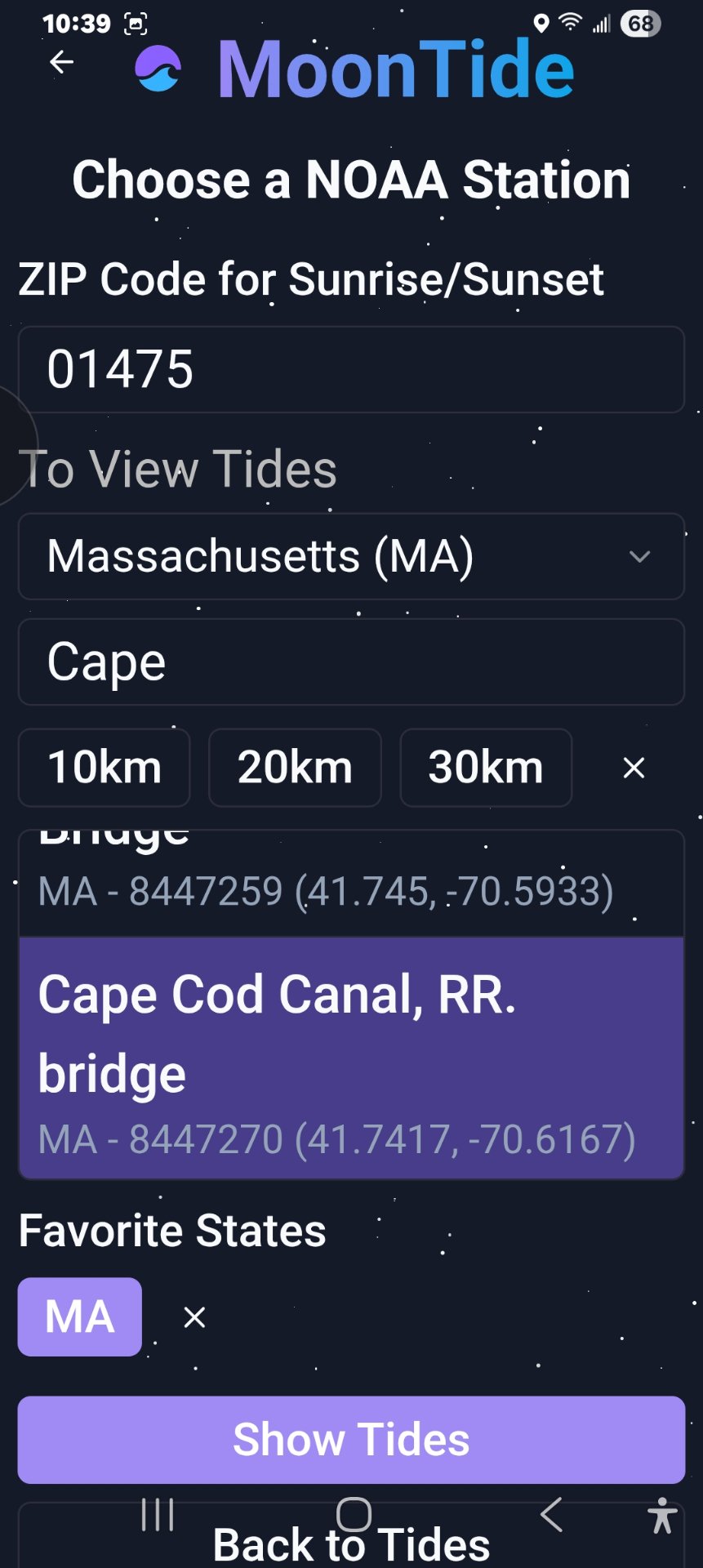
Search box
5
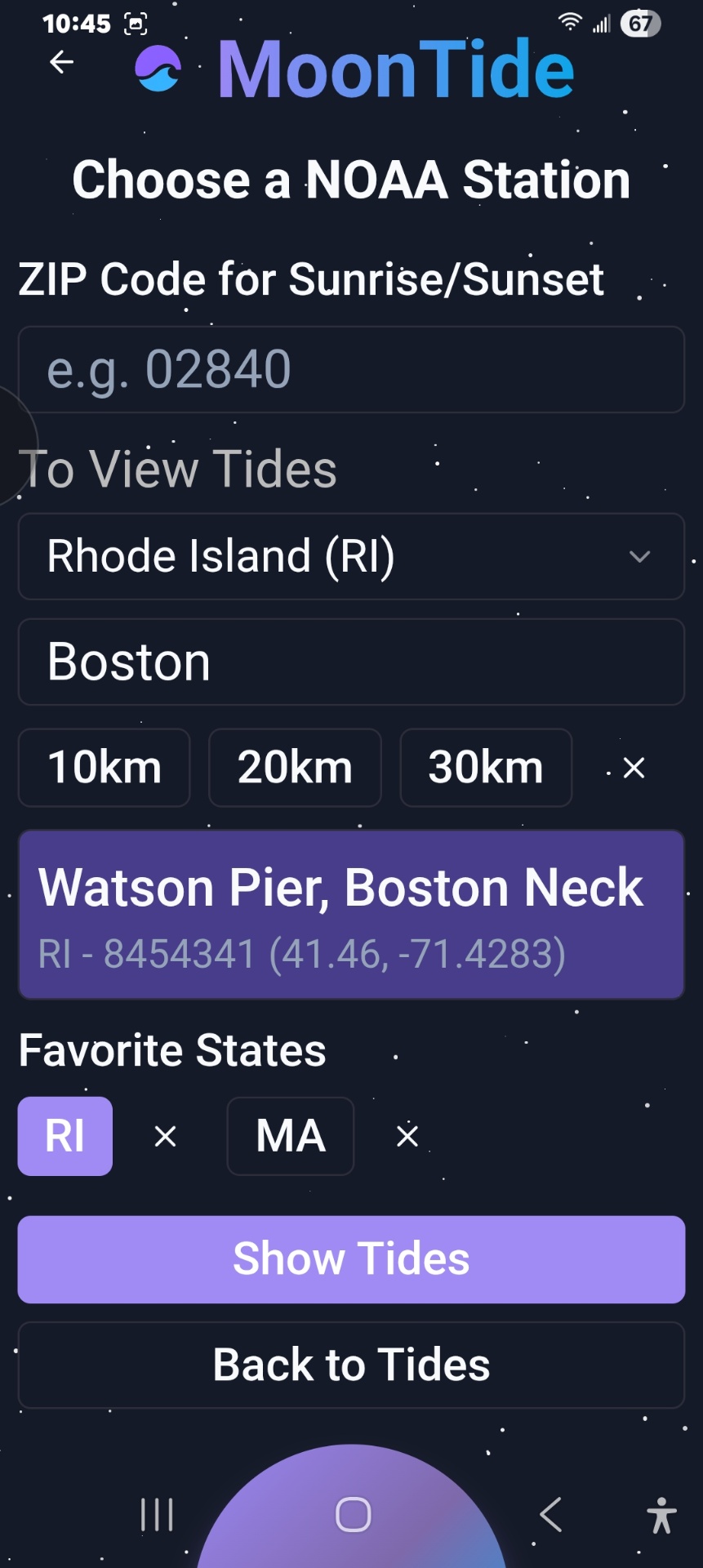
Type a location name for instant results.
5

Access Settings & Support

Review privacy, terms, feedback, and instructions anytime.
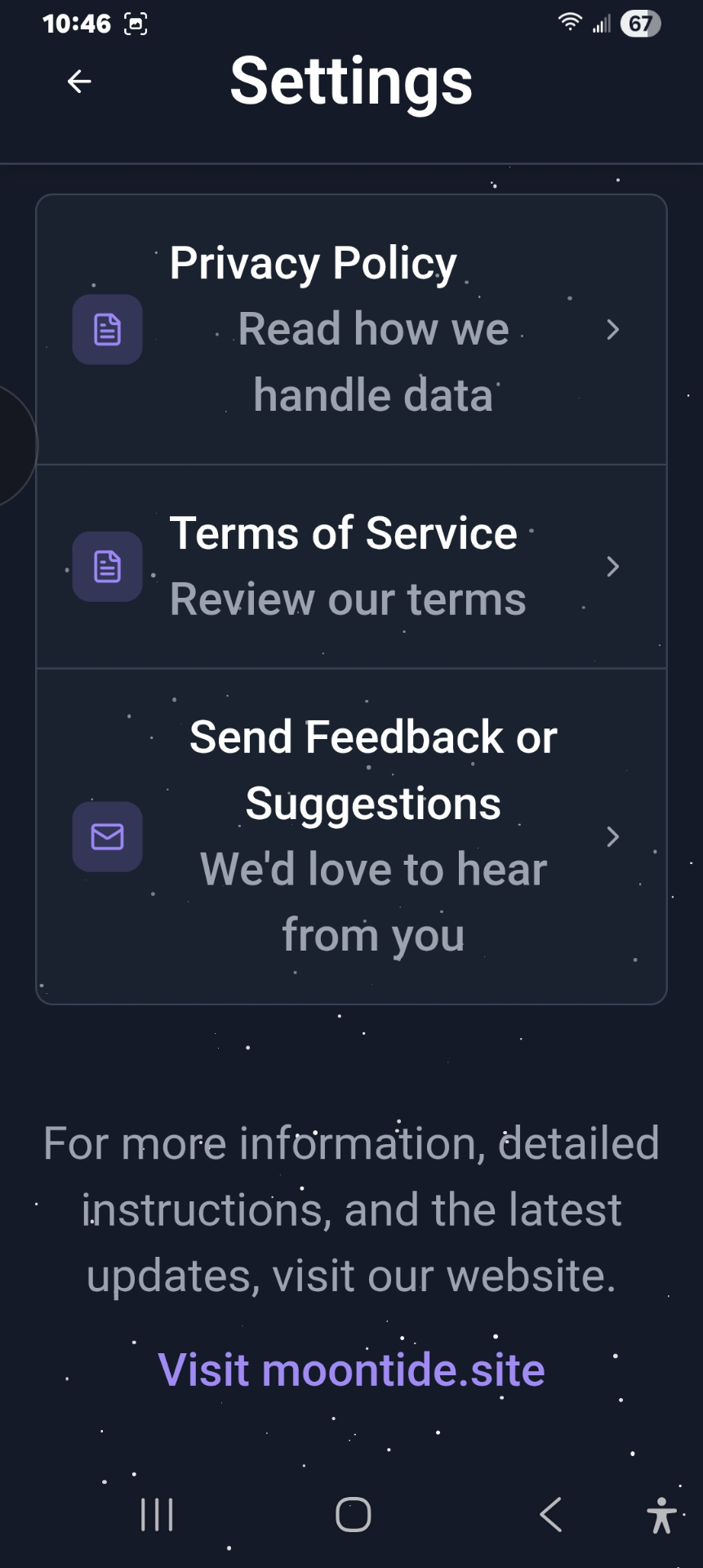
Settings
1
One-tap access to settings and support.